PDF Printing Triggering Fax Prompt on Xerox WorkCentre 6515
Blog post description.
TROUBLESHOOTING
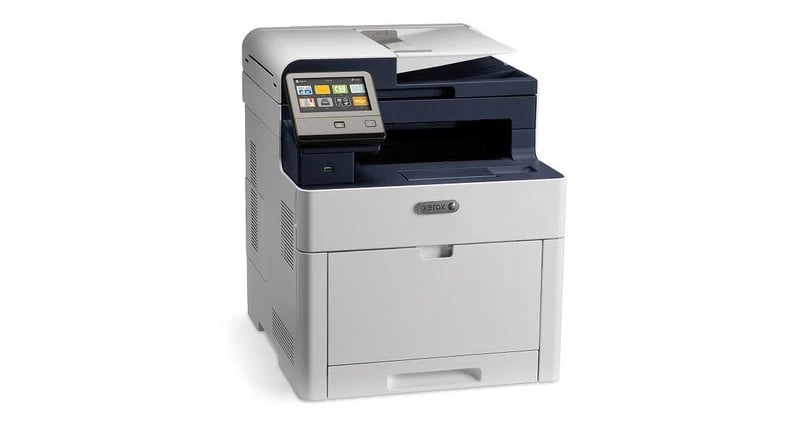
A workstation in a dental operatory presented an issue where printing a PDF would trigger a prompt requesting a recipient fax number instead of sending the job to the printer.
The device in use was a Xerox WorkCentre 6515, a multifunction printer supporting print, scan, and fax. Standard printing had previously worked without issue.
Problem Symptoms
Printing from PDF triggers a “recipient fax number” prompt
Printing a Windows test page works normally
Printing from Microsoft Word works normally
Issue is isolated to PDF printing
Environment
Workstation: Doctor-Operatory
Printer: Xerox WorkCentre 6515 (MFP)
Operating System: Windows
Components involved: printer driver, print queues, PDF application
Troubleshooting
Initial checks focused on printer configuration within Windows Settings. Attempting to remove fax-related settings resulted in removal of the entire printer device, indicating that print and fax functions were tied to the same installation package.
Test prints were performed from multiple sources:
Windows test page printed successfully
Microsoft Word documents printed successfully
PDF files consistently triggered the fax prompt
This behavior suggested that the issue was not hardware-related, but specific to how print queues were being selected by certain applications.
Printer configuration within the imaging software was also reviewed. The default printer was set correctly and did not contribute to the issue.
Root Cause
Inspection of the system revealed that multiple print queues had been installed for the same device:
Xerox WorkCentre 6515 (standard print queue)
Xerox WorkCentre 6515 (fax queue)
When printing from a PDF application, the system was selecting the fax queue instead of the standard print queue. As a result, the job was treated as a fax transmission, triggering the recipient number prompt.
Solution
The resolution involved disabling the fax queue to prevent incorrect selection.
Steps:
Open Device Manager
Expand “Print Queues”
Locate “Xerox WorkCentre 6515 (Fax)”
Right-click and select “Disable device”
After disabling the fax queue:
PDF documents printed without triggering the fax prompt
The correct print queue was consistently used
Prevention
Multifunction printers commonly install separate queues for print and fax functions, which can lead to misrouting of print jobs.
To reduce the risk of similar issues:
Identify and review all installed print queues for multifunction devices
Remove or disable unused queues, especially fax where not required
Ensure users consistently select the correct print queue
Be cautious when modifying printer settings, as some changes affect all device functions
This case highlights the importance of checking print queue selection when issues occur in specific applications but not others.